


Computer Skills Course – 3 Months
Computer Skills Course – 3 Months
A comprehensive qualification course designed to develop essential computer and Microsoft Office skills and improve digital competency for today's workplace.
Course Duration
3 Months
Training Hours
60 Training Hours
Course Type
Qualification Course
Course Overview
The 3-Month Computer Skills Course is designed to equip participants with essential and advanced computer and office application skills required to perform digital, administrative, and office tasks efficiently.
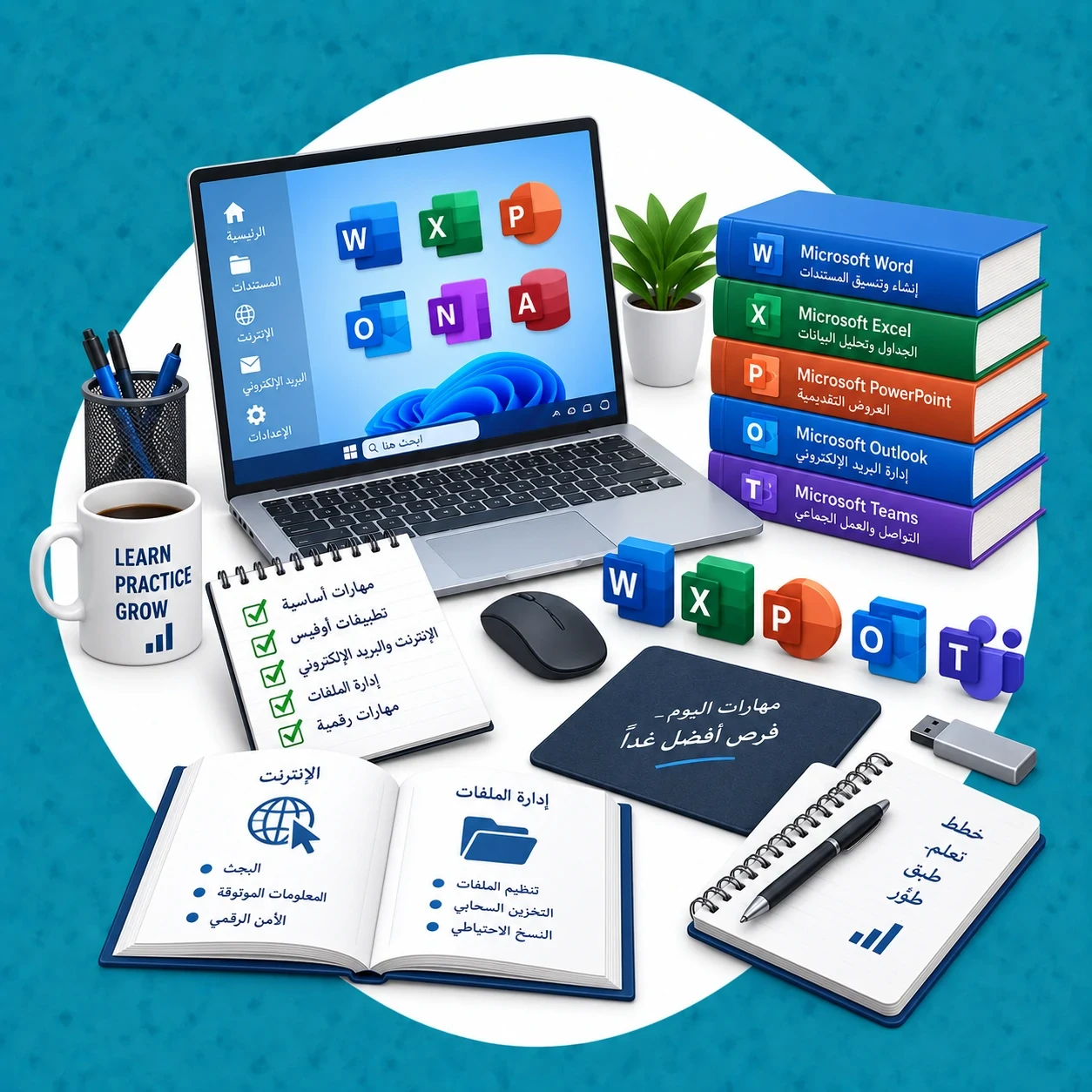
The program focuses on operating systems, file management, typing skills, and essential Microsoft Office applications including Word, Excel, and PowerPoint, helping participants improve their employability and workplace productivity.
General Objective
To equip participants with essential and advanced computer and office application skills, improve digital competency, and enhance their readiness for employment, professional development, and career advancement.
Course Objectives
- Understand computer fundamentals, components, and efficient computer use.
- Use operating systems and manage files and folders correctly.
- Use Microsoft Office applications effectively in the workplace.
- Create and format professional documents using Microsoft Word.
- Create tables, organize data, and perform calculations using Microsoft Excel.
- Prepare professional presentations using Microsoft PowerPoint.
- Improve typing, keyboard, and essential shortcut skills.
- Apply computer skills to everyday administrative and office tasks.
- Improve readiness for technical and office-related responsibilities in the workplace.
Course Topics
- Introduction to computers and basic computer components.
- Operating system fundamentals and efficient computer use.
- File and folder management.
- Typing, keyboard use, and essential shortcuts.
- Microsoft Word: document creation, editing, formatting, and printing.
- Microsoft Excel: data entry, table formatting, formulas, functions, and calculations.
- Microsoft PowerPoint: creating and designing professional presentations.
- Internet browsing and effective online search skills.
- Using email effectively in the workplace.
- Computer applications for administrative and office tasks.
- Practical exercises to develop digital and office productivity skills.
Target Audience
- Beginners who want to learn computer skills from the basics.
- Job seekers preparing for administrative and office-based roles.
- Employees seeking to improve their computer and Microsoft Office skills.
- Students, university graduates, and recent graduates.
- Anyone interested in developing practical digital and workplace skills.
Skills You Will Gain
- Confident and efficient computer use.
- Professional document creation and formatting.
- Data organization, spreadsheet management, and calculations.
- Professional presentation design.
- Digital file and folder management.
- Internet and email skills for the workplace.
- Using computer applications to complete administrative and office tasks.
Final Assessment and Certificate
At the end of the course, participants take a final assessment administered by the Technical and Vocational Training Corporation to evaluate the knowledge and skills covered during the program.
Participants who successfully fulfill the course requirements receive an accredited certificate from the Technical and Vocational Training Corporation.